SRD R370 Status Check: Step-by-Step Guide for Post-Election Payments
The South African Social Security Agency (SASSA) remains a lifeline for millions. Following the 2026 election cycle, many beneficiaries of the Social Relief of Distress (SRD) grant have expressed concerns regarding payment continuity and the transition to the R370 amount. If you are asking, “How do I check my SRD status?” or “Is my R370 payment approved?”, this comprehensive guide provides the most up-to-date methods to verify your grant status online and via mobile.
Understanding the SRD R370 Grant in 2026
The SRD grant, commonly known as the “R350” but now officially increased to R370, is designed for unemployed individuals between 18 and 60. Post-election administrative updates often lead to “Pending” statuses or “Verification” delays. Staying informed is the best way to ensure your funds reach your bank account or selected retail point (like Shoprite or Pick n Pay) without hitch.
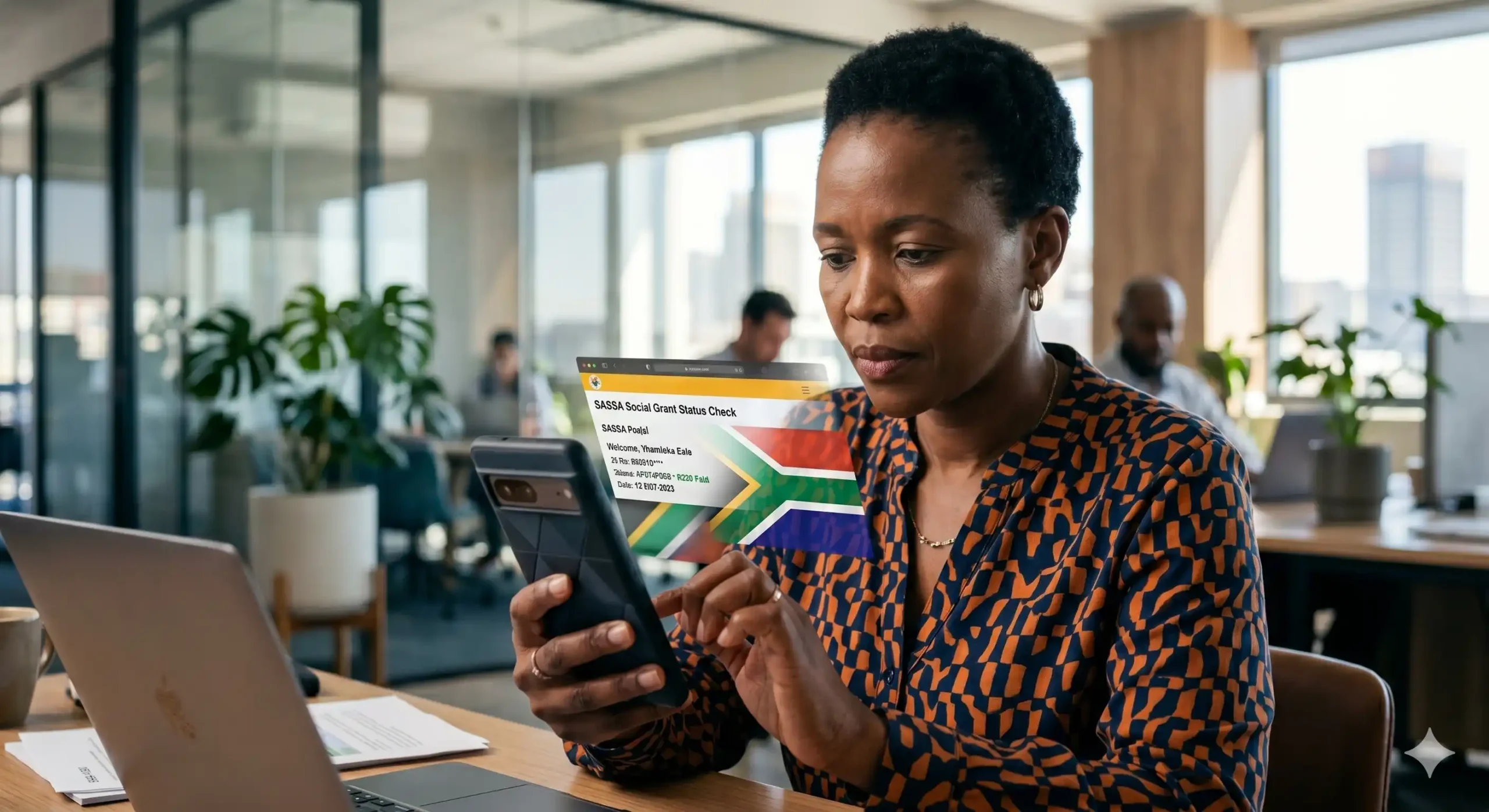
1. How to Perform a SASSA Status Check Online
The most reliable way to check your SRD R370 status is through the official SASSA portal. Follow these steps:
- Visit the Official Website: Go to the SRD SASSA portal (srd.sassa.gov.za).
- Locate the Status Section: Scroll down to the “Application Status” tab.
- Enter Your Details: You will need to provide your South African ID Number and the Mobile Number used during registration.
- Submit and View: Click “Check Status.” The system will display the month-by-month status of your application.
2. Checking Your Status via WhatsApp
For users who prefer mobile accessibility without high data costs, WhatsApp is a vital tool.
- Add the Official Number: Save 082 046 8553 to your contacts.
- Send a Message: Simply type “SASSA” and follow the automated prompts.
- Select Status Check: Choose the option for SRD Status and provide your ID number when requested.
3. Using USSD (No Data Required)
If you do not have an internet connection, you can use the USSD code:
- Dial *120*3227# on your mobile phone.
- Follow the prompts to check your grant status. This method is particularly effective for those in rural areas with limited connectivity.
Common SASSA Status Meanings Explained
Navigating the status codes is essential for troubleshooting:
- Approved: Your application is successful for that month. Look out for a “Pay Day” date.
- Pending: Your application is still undergoing verification against Department of Home Affairs or SARS databases.
- Declined: SASSA has found a reason why you don’t qualify (e.g., alternative income detected).
- Referred: This usually indicates a potential fraud flag. You may need to contact SASSA directly to clear your record.
Post-Election Updates: What Has Changed?
In the 2026 post-election landscape, the government has prioritized the digitalization of the SRD R370 grant. This means stricter verification against bank accounts. If you have recently changed your banking details or opened a new account with Capitec, TymeBank, or Standard Bank, ensure your SASSA profile reflects this to avoid payment “Bounced” errors.
Tips for a Successful R370 Payment
- Keep Your Information Updated: Any change in mobile number can lock you out of the status check process.
- Avoid Middlemen: Never give your ID number to third-party websites claiming to “fast-track” your payment. Only use official government channels.
- Check Balance Regularly: If your status is approved but you haven’t received an SMS, use the USSD method to check your balance.
Frequently Asked Questions (FAQ)
1. Why is my SRD R370 status still ‘Pending’ in 2026? A ‘Pending’ status is the most common hurdle for beneficiaries. It indicates that SASSA has not yet finalized your monthly verification. This process involves cross-referencing your ID number with databases from the South African Revenue Service (SARS), the Unemployment Insurance Fund (UIF), and various banking institutions to ensure you do not have an alternative income exceeding the threshold. Post-election administrative reviews or high volumes of new applications can occasionally cause backlog delays in these systems.
2. How can I change my SASSA banking details for a faster R370 payment? If you wish to switch from collecting cash at retail points like Shoprite to receiving a direct bank deposit, you must visit the official SRD website (srd.sassa.gov.za). Look for the “How do I change my banking details” section. You will receive a secure link via SMS to the mobile number registered with your application. It is highly recommended to use a personal bank account in your name (such as Capitec or TymeBank) to avoid “Verification Failed” errors, as SASSA does not pay into accounts owned by third parties.
3. What specific steps should I take if my R370 grant is declined? If your status shows as ‘Declined,’ don’t panic, but act quickly. SASSA provides a reason for the decline (e.g., “Alternative Income Source Detected”). If you believe this is incorrect, you must lodge an appeal for each month you were declined via the Independent Tribunal for Social Assistance Appeals (ITSAA) website. Appeals must be submitted within 30 to 90 days of receiving the decline notification. The tribunal will independently review your financial records to determine if the initial SASSA decision was justified.
4. Can I check my SRD status if I don’t have a smartphone or internet data? Yes, SASSA has provided “zero-rated” and offline methods to ensure accessibility. You can use the USSD service by dialing *120*3227# or *134*7737# from any mobile phone. These menus do not require active data and will guide you through a series of prompts to display your current month’s payment status. Alternatively, you can visit a SASSA branch or a participating Postbank location with your original South African ID document for a manual verification.
5. How long do I have to collect my SRD R370 payment before it expires? Once your status is ‘Approved’ and a ‘Pay Day’ is assigned, your funds are usually available immediately at your chosen retail point or bank account. However, if you have selected a cash collection point (like Pick n Pay or Boxer), you generally have 90 days to collect the funds. If the money is not withdrawn within this period, it may be returned to the National Treasury as “unclaimed,” and you might have to re-apply or face delays in future cycles.