Check Your SASSA Balance: 3 Fast Ways Using Your Phone
Waiting for your social grant payment can be an anxious time. Whether you are expecting the SRD R370 or a permanent social grant, knowing exactly how much is in your account—without leaving your home—is a game-changer. In 2026, checking your SASSA balance is faster and more secure than ever.
In this guide, we break down the three most efficient ways to check your SASSA balance using just your mobile phone.
Why You Should Check Your Balance Before Visiting an ATM
Traveling to an ATM or a retail store like Shoprite only to find an empty account is frustrating and can be costly in terms of transport. By using your phone to verify your balance first, you:
- Save Money: Avoid unnecessary taxi or bus fares.
- Enhance Safety: Reduce the time spent carrying cash or standing in long queues.
- Plan Better: Know exactly how much you have for groceries, electricity, and airtime.
1. The USSD Code Method (No Data Required)
The USSD method remains the most popular choice in South Africa because it works on any mobile phone—even older “brick” phones—and does not require an internet connection or data.
How to check via USSD:
- Open your phone’s dialer.
- Dial *120*3210# or *120*3227#.
- Follow the security prompts. You will be asked to enter your South African ID number.
- If prompted, enter your SASSA card PIN or the last digits of your card.
- Your current balance will be displayed on the screen.
Note: While many USSD services are zero-rated, some mobile networks may charge a small fee (typically R0.20 per 20 seconds). Always ensure you have at least R1 of airtime just in case.
2. The WhatsApp Method (Fast and Free)
If you have a smartphone with WhatsApp and a small amount of data (or access to public Wi-Fi), the official SASSA WhatsApp line is incredibly convenient.
How to check via WhatsApp:
- Save the official SASSA number to your contacts: 082 046 8553.
- Open WhatsApp and start a new chat with this number.
- Send the word “Balance”.
- The automated system will reply asking for your ID number.
- Follow the instructions to verify your identity. Once confirmed, the system will provide your latest balance and last payment date.
3. The Official SASSA Online Portal
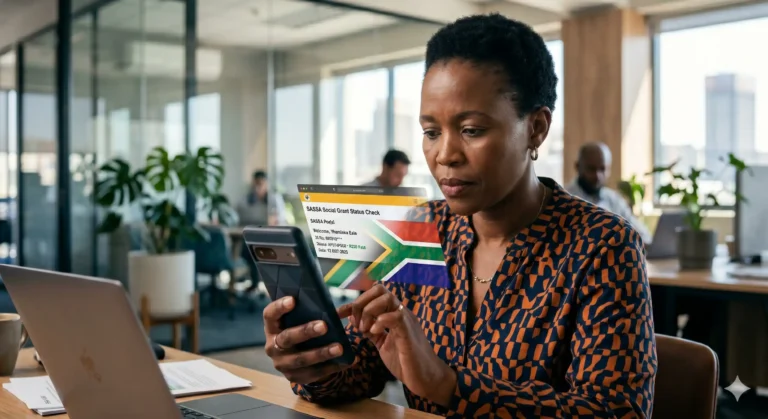
For a more detailed view of your finances, including a history of past payments and pending transactions, the online portal is the best tool.
How to check online:
- Go to the official SASSA services website (services.sassa.gov.za).
- Log in using your registered credentials. If you haven’t registered, you will need your ID number and the cell phone number linked to your grant.
- Navigate to the “My Account” or “Balance Enquiry” tab.
- Your balance and full transaction history will be visible.
Moving Beyond the Gold Card: Using Banking Apps
Many beneficiaries are now choosing to have their grants paid into personal bank accounts like Capitec, TymeBank, or FNB. If you choose this route, you can check your SASSA balance directly through your bank’s mobile app. This is often the fastest method, as it provides real-time “push notifications” the second your grant is deposited.
Keeping Your SASSA Account Safe
As you check your balance, remember these critical security rules for 2026:
- Never Share Your PIN: SASSA officials will never ask for your PIN over the phone or via WhatsApp.
- Watch Out for Fake Sites: Only use links that end in .gov.za. Avoid clicking on balance check links shared on Facebook or via SMS from unknown numbers.
- Log Out: If you check your balance on a shared or public computer, always log out of the portal to protect your information.
Frequently Asked Questions (FAQ)
1. Why does my SASSA balance show R0 even though it’s my payment day? There are a few reasons for a zero balance. First, payments are processed in batches; your funds might reflect later in the day. Second, if you have a “Pending” status for the SRD R370, the funds have not been released yet. Finally, ensure your card has not expired or been suspended due to verification issues.
2. Is there a cost to check my balance via the USSD code? Most SASSA-related USSD codes are designed to be low-cost or zero-rated. However, depending on your service provider (MTN, Vodacom, Cell C, or Telkom), you may be charged a standard rate between R0.20 and R2.00 per session. Checking via WhatsApp is free if you are connected to Wi-Fi.
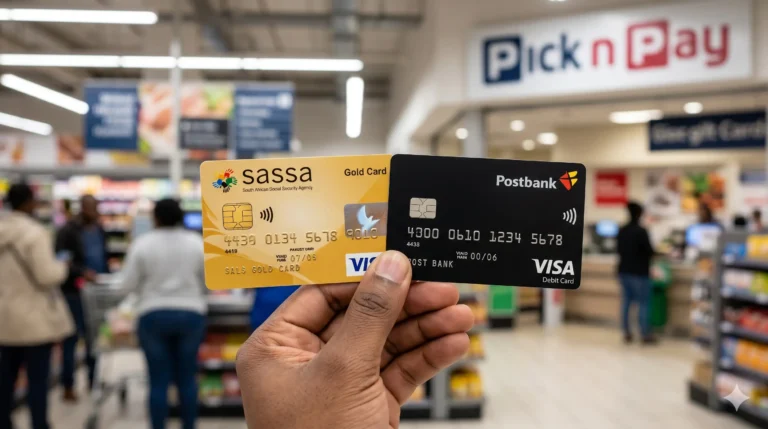
3. Can I check my balance at a retail store like Pick n Pay? Yes. You can visit the till point or customer service desk at Pick n Pay, Shoprite, Checkers, or Boxer. You will need to present your SASSA Gold Card and enter your PIN on the card machine. The cashier will then give you a printed slip showing your available balance.
4. What should I do if the USSD code says “System Busy” or “Timed Out”? This is very common during the first week of the month when millions of people are trying to check their balances at once. If the system is busy, wait 30 minutes and try again, or try checking later in the evening when there is less traffic on the network.
5. How do I reset my SASSA PIN if I forget it and can’t check my balance? For security reasons, you cannot reset your SASSA Gold Card PIN over the phone. You must visit your nearest SASSA branch or a Postbank office with your original ID document. They will verify your identity and help you select a new PIN so you can access your funds.