How to Check SASSA Status via WhatsApp: Quick Mobile Guide
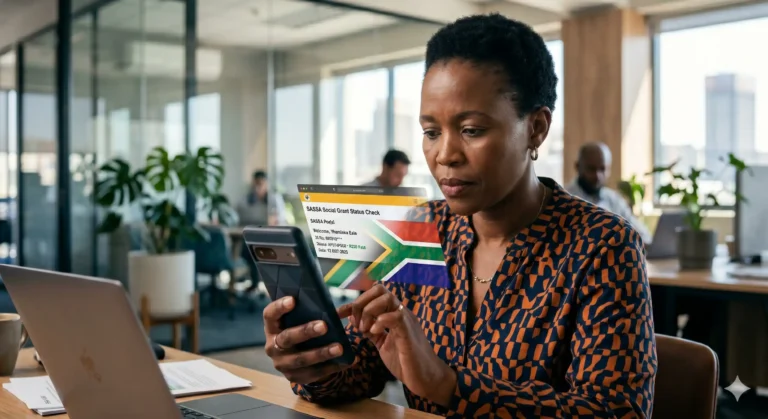
In 2026, staying updated on your social grant shouldn’t cost you a fortune in data or hours spent in queues. While the official portal remains a primary resource, millions of South Africans are turning to the official SASSA WhatsApp line for instant, reliable updates on their SRD R370 and other social benefits.
This guide provides the verified step-by-step process to link your application to WhatsApp and check your payment status in seconds.
Why Use WhatsApp for Your SASSA Status?
For many, accessing the SRD website can be slow during peak times, especially when the system is overloaded with millions of concurrent users. WhatsApp offers a “lite” alternative that:
- Saves Data: Uses significantly less mobile data than browsing a full website.
- Instant Access: Provides automated, 24/7 responses.
- Secure: Uses end-to-end encryption for your personal identity details.
Step-by-Step: Checking Your Status via WhatsApp
To get started, ensure you are using the mobile phone number you registered during your initial SASSA application.
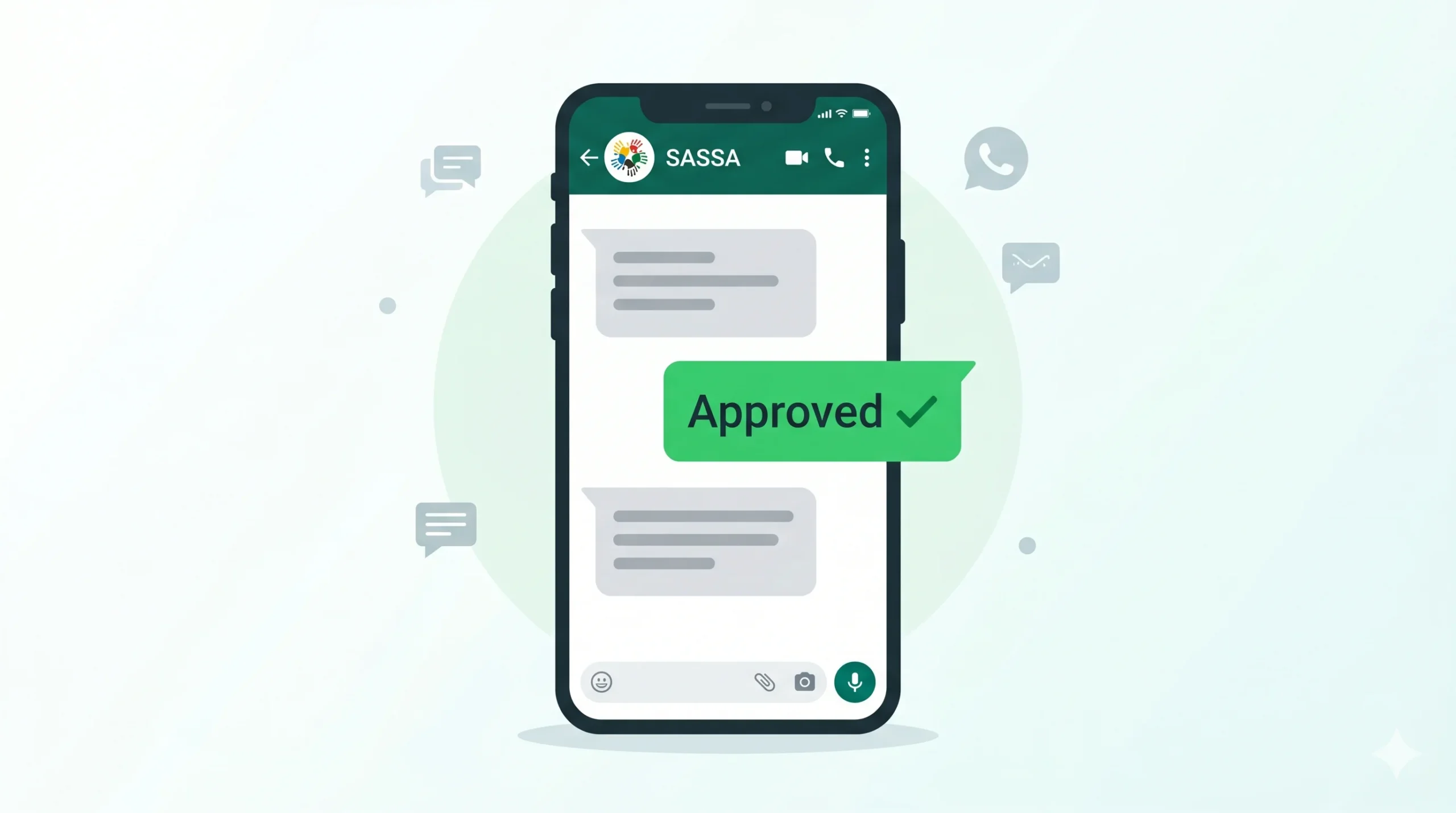
- Save the Official Number: Add 082 046 8553 to your phone’s contacts as “SASSA Official.”
- Start the Chat: Open WhatsApp and send the word “Status” to the saved number.
- Provide Your Details: The automated bot will ask for your 13-digit South African ID number. Type it in carefully and press send.
- Confirm Your Cell Number: The system will verify if your current WhatsApp number matches the one in the SASSA database.
- View Your Result: Once verified, the bot will display your status for the current month (e.g., May 2026) and any previous months that are still pending or approved.
Troubleshooting: What If the WhatsApp Bot Doesn’t Reply?
During high-traffic periods, such as the first week of the month, the WhatsApp line may experience delays. If you receive a “system busy” message:
- Wait and Retry: Try again during “off-peak” hours, such as early morning or late at night.
- Check Your ID: Ensure there are no spaces or extra characters in the ID number you sent.
- Use the USSD Alternative: If WhatsApp is down, dial *120*3227# as a backup method that requires zero data.
Safety First: Avoid SASSA WhatsApp Scams
Because WhatsApp is so popular, scammers often create fake profiles using the SASSA logo. The official SASSA WhatsApp number (082 046 8553) will never:
- Ask for your bank PIN or CVV number.
- Request “registration fees” to speed up your status.
- Offer you “exclusive loans” via chat.
Only trust information coming from the verified number and the official government domain (.gov.za).
Frequently Asked Questions (FAQ)
1. Can I check someone else’s SASSA status via my WhatsApp? For security reasons, the SASSA WhatsApp bot is designed to work best when the WhatsApp number matches the mobile number registered on the application. While you can sometimes check for a relative by providing their ID number, SASSA may trigger a “verification block” if multiple IDs are checked from a single WhatsApp account to prevent fraud.
2. Does the WhatsApp status check show the exact “Pay Day”? Yes. If your status is ‘Approved,’ the WhatsApp response will usually include a payment date or a “Pay Day” field. If this field is empty, it means your funds are approved but the National Treasury has not yet scheduled the specific transfer to your bank or retail point.
3. What should I do if the bot says “Reference Number Not Found”? This error often happens if your application has expired or if you recently changed your mobile number without updating it via the SASSA call centre. To fix this, you must call 0800 60 10 11 to ensure your profile is active and linked to your current SIM card.
4. Is checking my status on WhatsApp free of charge? While SASSA does not charge you for the service, you will need a tiny amount of active data or a Wi-Fi connection to send and receive messages on WhatsApp. Many mobile networks in South Africa offer “WhatsApp Bundles” which are a very affordable way to stay connected for these checks.
5. Can I use WhatsApp to update my banking details too? Currently, the WhatsApp bot is primarily for status checks and basic inquiries. For high-security tasks like changing your bank account (to Capitec, TymeBank, etc.) or updating your biometric info, you must use the official website at srd.sassa.gov.za to ensure your financial data remains secure.